Skip to content

Select and compare

Rokid AR Spatial vs. VITURE Beast compared

Video Glasses

At a glance

The key numbers for both devices side by side.

Overall rating
90Sehr gut
86Gut
Value for money
76Fair
72Fair
Best price
€159.00
€593.95
Price advantage
€434.95 cheaper
—
Offers
2 shops
2 shops
Rank in category
Rank 1 of 10
Rank 3 of 10

Rating

Sub-ratings compared

Rokid AR SpatialOverall rating 90VITURE BeastOverall rating 86
ImagequalityImagesize & edge sharpnessWearingcomfortCompatibility& setupFeaturesSoundBuildquality
Rokid AR SpatialVITURE Beast
Image quality96/10093/100
Image size & edge sharpness91/10076/100
Wearing comfort85/10083/100
Compatibility & setup85/10087/100
Features93/10081/100
Sound87/10076/100
Build quality93/10085/100
Image quality
96
93
Image size & edge sharpness
91
76
Wearing comfort
85
83
Compatibility & setup
85
87
Features
93
81
Sound
87
76
Build quality
93
85

Specs

Specs compared

Key specs

Model
AR Spatial
Beast
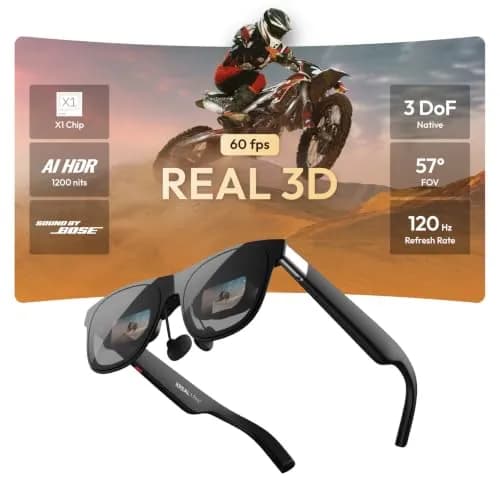
Field of viewDiagonal field of view (FOV) according to the manufacturer in degrees – the comparable value for image size, unlike the inch figure
50 degrees
58 degrees
TrackingHighest level at which the glasses anchor the image in space: 3DoF follows head rotation, 6DoF also movement through the room; “in the glasses” means with a built-in chip on any source device, without an app
3DoF only with app or accessory
3DoF in the glasses
BrightnessBrightness according to the manufacturer in nits (= cd/m²): the value at the eye (“perceived”), NOT that of the display itself (often 3,000 to 6,000 nits); if the manufacturer gives only one value without qualification, use that
600 cd/m²
1,250 cd/m²
WeightWeight of the glasses according to the manufacturer in grams, without cable, shade and prescription frame
75 g (2.6 oz)
88 g (3.1 oz)
For glasses wearersHow short-sighted users see sharply without their own glasses: insert frame for prescription lenses from an optician or adjustment wheels on the glasses themselves; choose the best available solution
Built-in diopter adjustment
Prescription frame (lenses from an optician)

Image & optics

OpticsType of optics that directs the image into the eye, according to the manufacturer: birdbath (semi-transparent mirror, usually thicker lenses) or flat prism (e.g. XREAL X-Prism)
Flat prism
Display technologyType of image source in the glasses according to the manufacturer (usually Micro-OLED from Sony or BOE)
Micro-OLED
Micro-OLED
Resolution per eyeDisplay resolution for ONE eye according to the manufacturer, not the sum of both eyes; if the manufacturer only delivers the higher resolution via an update, the advertised one
WUXGA (1920 × 1200)
WUXGA (1920 × 1200)
Refresh rateHighest refresh rate according to the manufacturer in Hz
120 Hz
120 Hz
3D (side-by-side)According to the manufacturer, the glasses display 3D content in side-by-side format, one image per eye
Yes
Yes
Screen modesDisplay modes the glasses support themselves or with the manufacturer’s app, according to the manufacturer
Ultrawide (32:9)Multiple screensAnchor image in space
Ultrawide (32:9)Multiple screensAnchor image in spaceSmall image at the edge2D-to-3D conversion

Dimming

DimmingHow the surroundings behind the image can be blocked out: clip-on shade or electrically dimming lenses; choose the best available solution
Clip-on shade
Electrochromic (at the push of a button)
Dimming levelsNumber of electric dimming levels according to the manufacturer, including “clear”; only for electrochromic lenses
9 levels
Automatic dimmingAccording to the manufacturer, the lenses dim automatically based on ambient light
Yes

Vision & fit

Correction up toStrongest short-sightedness the built-in adjustment corrects, as an absolute value in diopters: “0 to −6.0 dpt” becomes 6; only with built-in adjustment, none corrects astigmatism
6 dpt
Interpupillary distance adjustmentHow the glasses are adapted to the distance between the pupils: separate versions per size (S/M/L), image shifting via software or movable optics
Via software
Fixed sizes per version
Interpupillary distance (IPD)Suitable interpupillary distance according to the manufacturer in mm, e.g. “57–66 mm” or “under 64 mm” – for sizes S/M/L, enter per version
55–72 mm
Standard: 64,0 ± 6,0 mm; Groß: 68,0 ± 6,0 mm

Connection & features

Video inputHow the image gets into the glasses: USB-C with DisplayPort signal, HDMI only via a manufacturer adapter, or wirelessly
USB-C (DisplayPort)Wireless
USB-C (DisplayPort)HDMI via adapter
Detachable cableAccording to the manufacturer, the cable can be unplugged from the glasses and replaced
Yes
CameraAccording to the manufacturer, a camera is built into the glasses (photos, spatial recognition); a camera available only as an accessory does not count
Yes
MicrophonesNumber of built-in microphones according to the manufacturer
1 pcs
1 pcs
Speaker tuningAudio partner according to the manufacturer, e.g. “Bang & Olufsen”, “Bose” or “Harman”; empty if none is named
HARMAN

General

Price segment
Mid-range
Model year
2025
In the box
Max 2 Brille, Station 2 mit Silikonhülle, Etui, USB-C-Kabel, Aufsteck-Blende, Ersatz-Nasenpads
Brille, Korrekturglas-Fassung, 4 Nasenpads, USB-C-Kabel (1,2 m), Etui, Putztuch, Kurzanleitung, Sicherheitshinweise

Prices

Offers

Rokid AR Spatial

VITURE Beast

Ad · Links marked with * are affiliate links: if you buy through them, we earn a commission – at no extra cost to you.

Verdict

Pros & cons

Die Rokid AR Spatial verbindet die Videobrille Max 2 mit der Station 2 zu einem Reisekino, das kein Smartphone braucht. Das Micro-OLED-Bild ist scharf und kontrastreich, 75 g sind leicht, und Streaming-Apps laufen direkt über den Play Store. Der Haken: Der Lüfter der Station ist gut hörbar, die Bügel drücken nach einer Weile, und eine deutsche Oberfläche fehlt bisher.

Pros

  • Scharfes Micro-OLED-Bild mit 1920 x 1080 Pixeln je Auge und sattem Kontrast
  • Station 2 mit Play Store spielt Streaming-Apps ohne Smartphone ab
  • Mit 75 g leicht, Ersatz-Nasenpads liegen bei
  • Dioptrienrädchen je Auge gleichen Kurzsichtigkeit bis −6 dpt aus
  • Bis zu drei Fenster gleichzeitig, Maus und Tastatur per Bluetooth
  • Brille läuft auch allein an Laptop oder Handy mit USB-C-Bildausgang

Cons

  • Lüfter der Station 2 im ruhigen Zimmer gut hörbar, auch beim Streamen
  • Bügel drücken nach längerer Zeit hinter den Ohren
  • Keine deutsche Oberfläche, Region nur China, Japan oder USA
  • Rokid-App fürs Smartphone stürzt wiederholt ab
  • Station bei drei offenen Apps an der Leistungsgrenze, Netflix nicht im Split-Screen

Die VITURE Beast ist eine Videobrille mit 58 Grad Sichtfeld und einem Bild, das selbst in praller Sonne erkennbar bleibt. Das 3DoF-Tracking läuft im Chip der Brille und braucht keine App, das passt vor allem für Handheld-Spiele und Filme auf Reisen. Der Haken: weiche Ränder mit Farbsäumen, deshalb taugt sie für Textarbeit nur bedingt. Miss vor dem Kauf deinen Augenabstand, denn es gibt nur zwei feste Größen.

Pros

  • Bis 1250 cd/m² hell, auch im direkten Sonnenlicht gut erkennbar
  • 58 Grad Sichtfeld, Micro-OLED mit 1920 x 1200 je Auge und 120 Hz
  • 3DoF im Chip der Brille, läuft an jedem Zuspieler ohne App
  • Abnehmbares USB-C-Kabel sitzt fester als frühere Magnetstecker
  • Vier magnetische Nasenpads und drei Bügelwinkel für den Sitz
  • Keine Spiegelungen des Gesichts dank flacher Prismenoptik

Cons

  • Ränder weich mit Farbsäumen, kleine Schrift am Bildrand verschwimmt
  • Abdunklung bildet bei hohen Stufen dunkle Bänder oder Streifen
  • Elektronik über der Nase wird warm, bei manchen an der Stirn unangenehm heiß
  • Ankermodus driftet nach langen Sessions, auch nach Firmware-Updates
  • Switch, PS5 und Xbox brauchen ein Dock oder einen Adapter als Zubehör

Spotted an error?

Wrong price, wrong spec or a dead link – let us know and we will fix it quickly.

Report an error

Similar comparisons

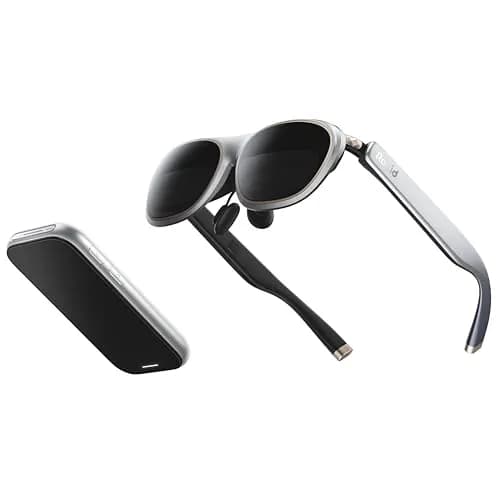
Rokid AR SpatialRokid AR Spatial90
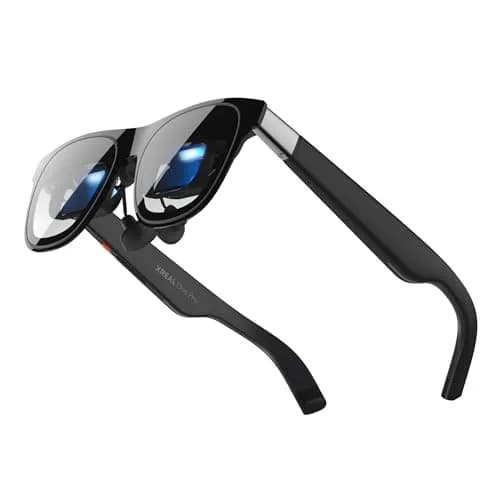
XREAL One ProXREAL One Pro88
View comparison
Rokid AR SpatialRokid AR Spatial90
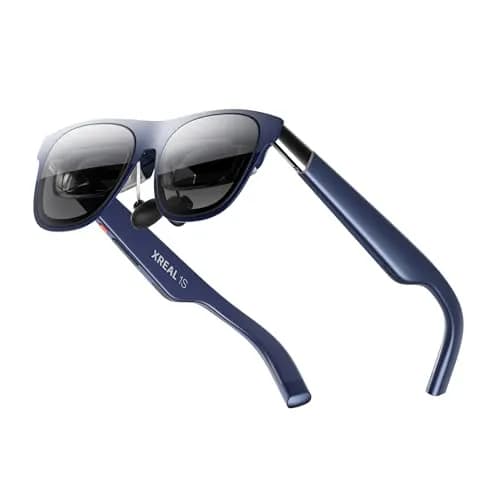
XREAL 1SXREAL 1S82
View comparison
Rokid AR SpatialRokid AR Spatial90
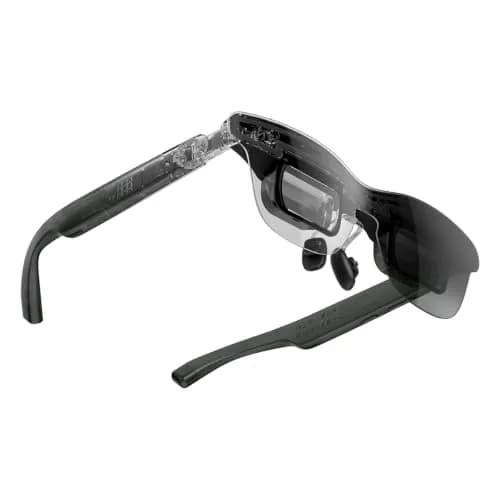
RayNeo GT MaxRayNeo GT Max81
View comparison
Rokid AR SpatialRokid AR Spatial90
XREAL 1 Pro+XREAL 1 Pro+81
View comparison

Keep reading

What’s next?

Maybe a different type of device?

Same kind of training, different devices – one click away.

Build your own comparison